What's New in BuilderBase: July 2026
It's been a busy month. A new data importer to move off your old software, a reimagined invoicing flow, a smarter scheduling calendar, guided onboarding, and a whole lot more.
We’ve shipped a lot since our last update, so this one’s a roundup of the biggest additions. Here’s everything worth knowing, from moving your data over in minutes to a completely reworked invoicing experience.
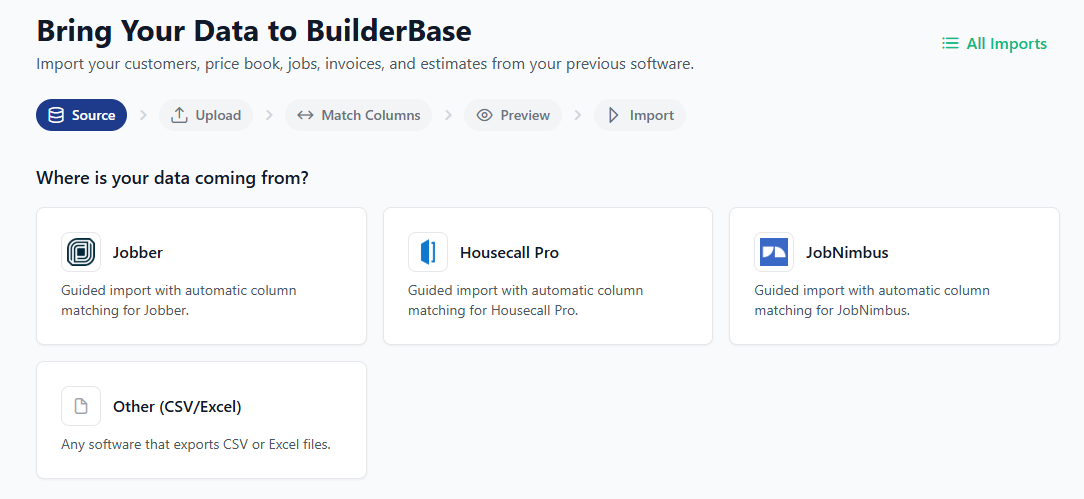
Bring your business over with Data Import
Switching software shouldn’t mean starting from scratch. Our new import wizard brings your customers and history in from the tool you’re leaving, and custom fields let you keep the details that are specific to how you work.
- Guided, step-by-step import wizard
- Map your existing data to the right fields as you go
- Add custom fields so nothing gets lost in the move
A reimagined invoicing experience
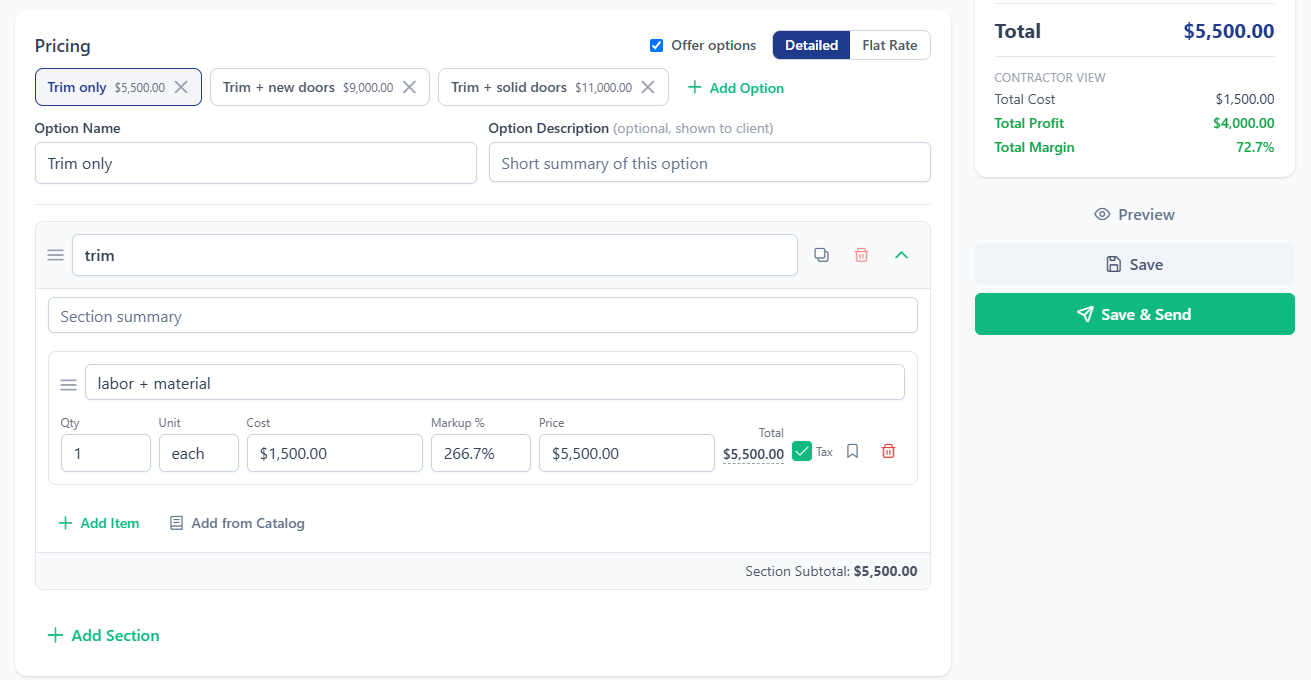
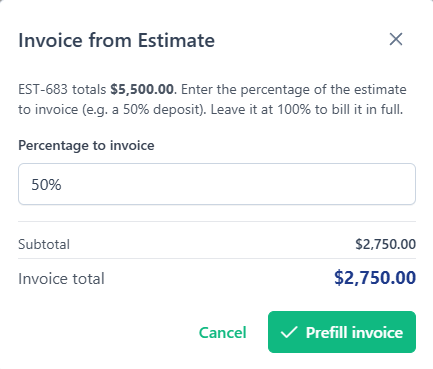
Invoicing got a top-to-bottom overhaul. Invoices now work just like estimates: clean line items, clearer totals, and far more flexibility in how you bill.
- Progress invoicing: bill a percentage of a detailed estimate as the job moves along
- Turn a flat-rate estimate into a line-item invoice in one step
- Apply discounts on invoices, with estimate discounts pro-rated automatically
- A live balance remaining that stays accurate across invoices and change orders
- Decide whether change orders ride along on an invoice, and mark invoices paid in a click
A smarter scheduling calendar
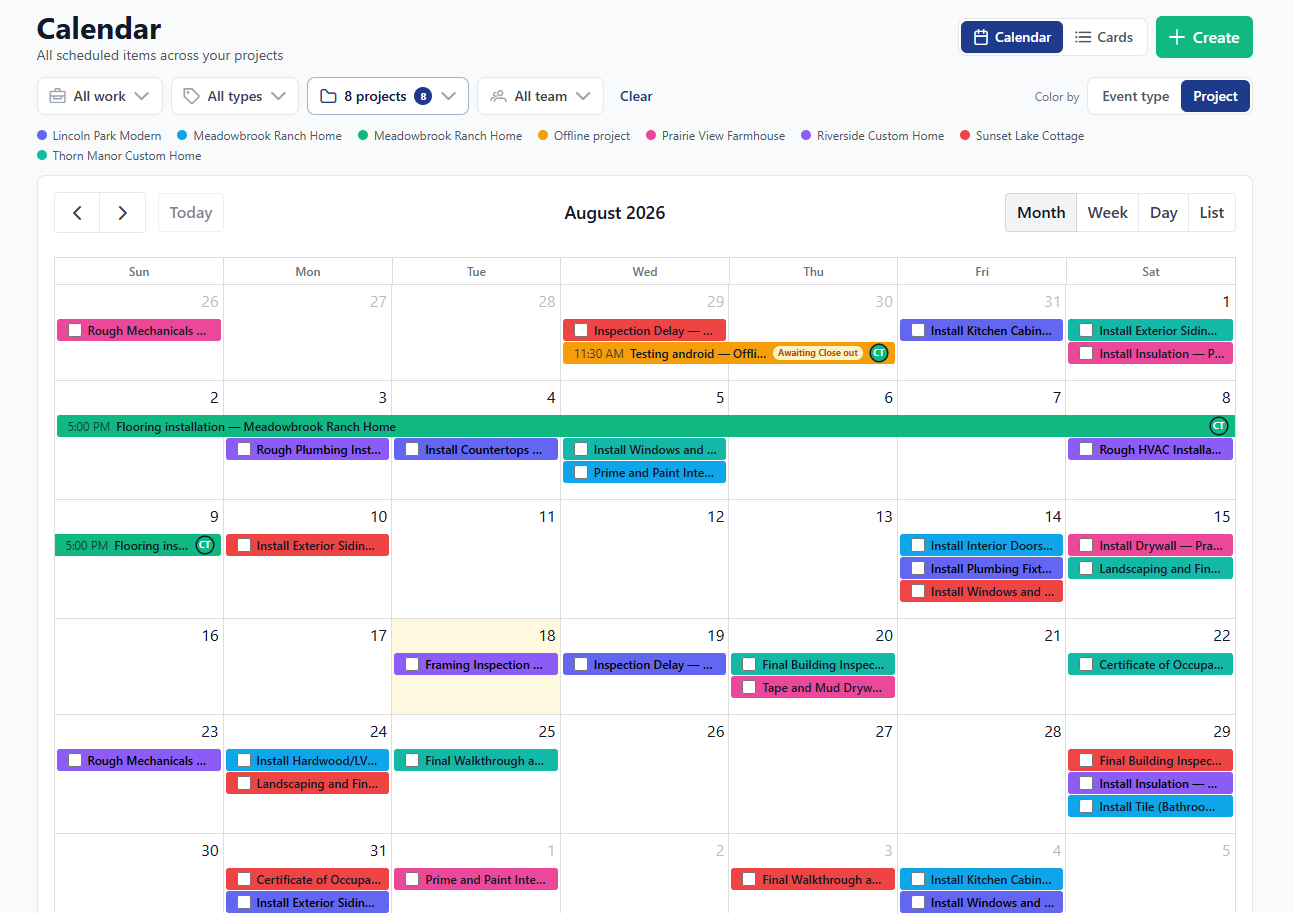
The calendar is faster and far more powerful, built for how crews actually get scheduled.
- Drag and drop to reschedule in seconds
- Job types and filtering so you can focus on exactly what you need to see
- Double-booking protection to catch conflicts before they happen
- Two-way Google Calendar sync that keeps everything up to date automatically
Guided setup, so you’re running fast
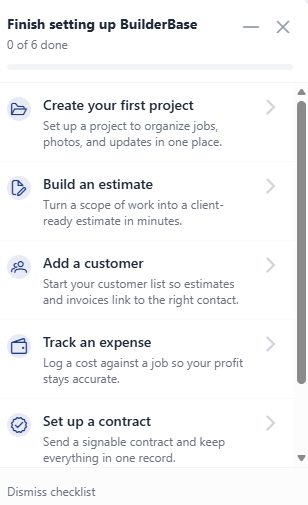
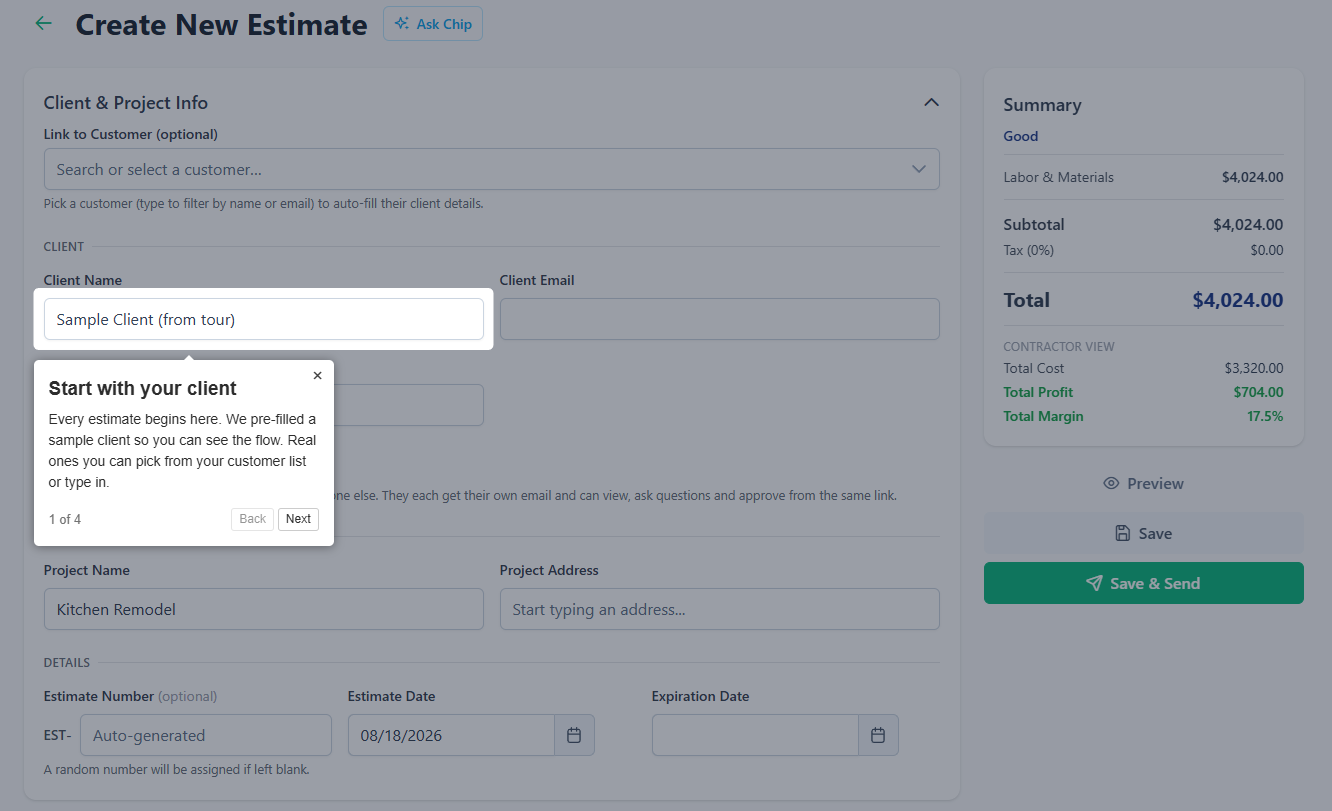
New to BuilderBase? A fresh setup checklist and in-app walkthroughs guide you through getting your account ready. No manual required.
Also new this month
- Approve or reject estimates and change orders manually when you need to
- Attach documents directly to estimates
- Address autocomplete on customers and schedule locations: start typing and pick the match
- Per-line-item tax control: mark exactly which line items are taxable
- Expense tracking by category, plus dedicated vendor records
- Require ACH above a set amount to cut card fees on your largest payments
- Bigger photo uploads: the 10-photo limit is gone, and uploads now run in the background
- Automated reminder emails and trial nudges that go out on their own
Under the hood
We also put real work into the parts you don’t see: faster and more reliable email delivery, smoother stay-logged-in behavior, and a round of performance improvements across the app.
That’s the roundup. Have something you’d love to see next? Send us a note. A lot of what ships here starts as a customer request.
Want these updates in your projects?
Start a free trial and put the latest BuilderBase features to work today.